Every time you record, you have a chance to make your podcast sound amazing. Your audio should feel smooth, clear, and engaging, so that every word carries the energy you intended. Even great conversations can lose their spark if the sound is cluttered with background noise or uneven volume. Dialing in your editing skills can transform rough recordings into polished episodes that keep listeners hooked from start to finish.
Why Nailing Your Podcast Edits Matters

Podcast editing turns everyday chats into audio gems. A good editor weaves together scattered segments into a smooth story, making sure every pause and tone builds a connection with your audience. Crisp editing raises your podcast's profile and shows your listeners that you care about every detail, making them more likely to return for future episodes. In a sea of more than 2 million podcasts, a well-edited show instantly tells your audience that you are serious about quality and that their time matters.
Common Hurdles New Podcasters Face
New podcasters often run into editing headaches that derail their workflow and lower their audio quality. Chances are, your recording space brings in unwanted sounds like humming air conditioners or sudden street noises. Even seasoned hosts can fall into the habit of using fillers like "um" or "you know" too often, which can easily distract your listeners.
Keeping the volume steady is another real challenge, especially when interviewing people who use different mics or speak at different volumes. Remote sessions can add issues like echoes, lag, or internet hiccups that take extra time to fix. Without smart editing habits, these issues can consume your day and leave you feeling frustrated or rushed while trying to meet deadlines.
Learning your audio software can feel like a steep climb too. Many podcasters face confusing menus and technical terms that slow them down and lead to inconsistent episode quality. All of these challenges add up and can wear you down, making it hard to stay on schedule and keep your listeners coming back.
Getting Started: The Right Tools and Software
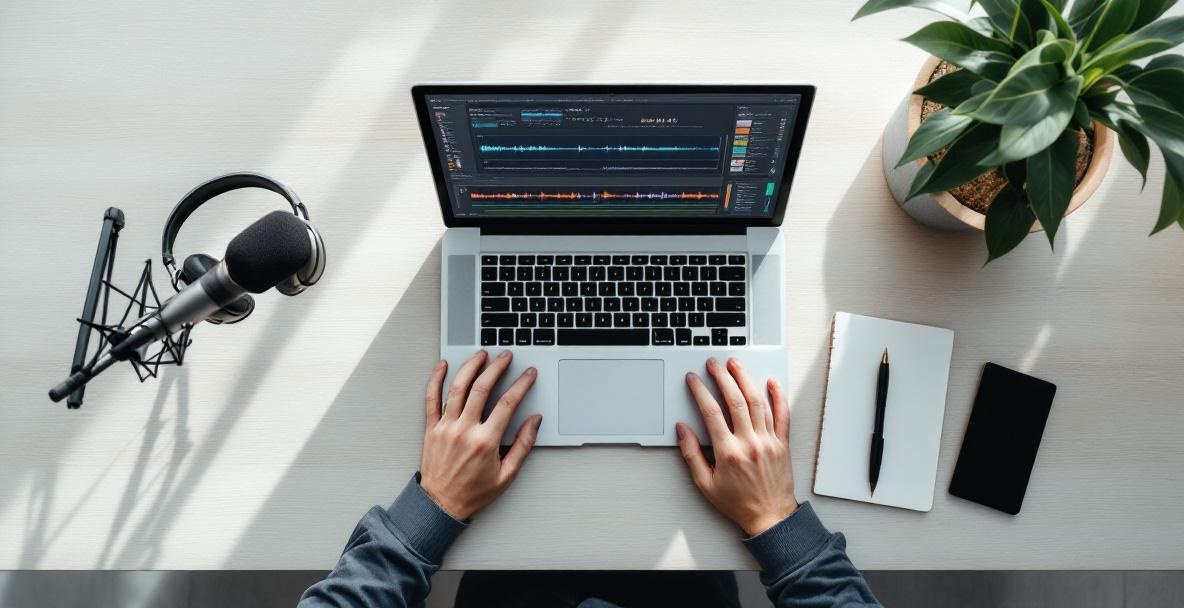
Creating an editing routine begins with choosing tools that match your skills and needs. The kind of software you use changes your editing speed and the final quality of each episode. Beginners may benefit from simple, user-friendly programs that let you learn fast and get results quickly, while those ready for advanced features can move on to more powerful options. Finding the right tools early on sets you up for smoother editing sessions and better-sounding episodes.
Best Editing Software to Try
For newcomers, Audacity is a favorite free option that offers solid basics without overwhelming you. Its clear layout lets you handle simple tasks like cutting parts, reducing noise, and adjusting levels while you learn the ropes. Its no-cost nature makes it perfect for podcasters who are just testing the podcasting waters.
If you feel ready for something more refined, try Hindenburg Journalist, designed especially for spoken-word shows. It makes it easy to adjust levels automatically and edit your voice recordings smoothly. This approach not only speeds up your work but also maintains a high-quality sound that feels natural.
For those seeking the ultimate professional suite, Adobe Audition offers deep control over every detail of your audio. With tools for serious noise reduction, multitrack editing, and fine-tuning frequencies, it has everything you need to solve even the trickiest sound problems. Although it comes with a subscription fee, many podcasters find that the polished results are well worth the commitment.
Essential Gear You Need
Hardware plays a big role in your editing work, too. A solid pair of closed-back headphones can reveal subtle details that speakers might miss, letting you make smarter editing choices. Models such as the Audio-Technica ATH-M40x or Sony MDR-7506 deliver clear sound without costing a fortune.
A reliable computer is important as well. Even if you do not need a top-tier machine, aim for one with at least 8GB of RAM and an SSD so that your editing runs smoothly, even when working on complex, multitrack projects. Plus, using an external hard drive for storing your podcast files not only keeps your work organized but also gives you extra backup for those irreplaceable recordings.
Consider also investing in control surfaces or editing keyboards if you edit often. These devices let you access frequently used functions with a single press, cutting down on tiresome clicking and speeding up your overall editing process.
Mastering the Fundamentals: How to Get Clean Edits
Solid editing starts with mastering the basics that help create clear and professional episodes. The goal is to remove distractions without making your cuts obvious, so your story flows naturally. Learning these core techniques will save you time and give your podcast a more professional feel.
How to Reduce Background Noise
Cutting down background noise starts right when you record, but good software tools can fix problems later too. Most programs let you take a sample of the unwanted noise and subtract it from the whole track. Use these features gently, or you might end up with an odd, muffled voice.
For steady noises like the hum of a fan or air conditioning, noise gates can be a great help. They work by silencing audio when it falls under a set level, which takes care of background sounds during pauses without affecting speech. If you set the levels just right, your edits will sound natural and smooth.
Another trick is room tone editing. Instead of completely removing every gap between sentences, mix in a short clip of the room’s natural sound. This method creates a more realistic feel and keeps the audio from sounding too choppy.
Edit Out Filler Words
Removing fillers such as "um," "uh," or too many "likes" can really clean up your recording. The trick is to edit them out so smoothly that no one notices a cut. Zoom into your waveform to find exactly where these fillers start and stop, then trim them carefully around those points.
Avoid cutting every single filler word because not all of them harm the natural flow of conversation. Instead, focus on clusters or moments that really break up the rhythm. Always listen back to make sure your cuts keep the conversation feeling natural and spontaneous.
When it comes to interviews, it is especially important to keep your guest's voice clear and recognizable. A little editing can improve the overall clarity without losing the personality of your conversation partner.
Getting the Audio Levels Just Right
Keeping your volume consistent is crucial because it stops listeners from having to fiddle with their sound settings every few minutes. Compression is a handy tool for this purpose, as it tames the loud peaks and lifts the quieter parts to create a more consistent sound. Aim for settings that balance the dynamics without making your voice sound flat.
Before applying any effects, adjust each speaker’s volume so that all voices sit together evenly. This technique, known as gain staging, prevents any one voice from sticking out too much, yet keeps them all clear and distinct for your listeners.
The final step in balancing audio is loudness normalization, which ensures your episode matches industry standards. This makes sure your podcast doesn’t sound too loud or too soft compared with shows on the same platforms, which helps maintain a comfortable listening experience.
Taking It Up a Notch: Advanced Editing Tips
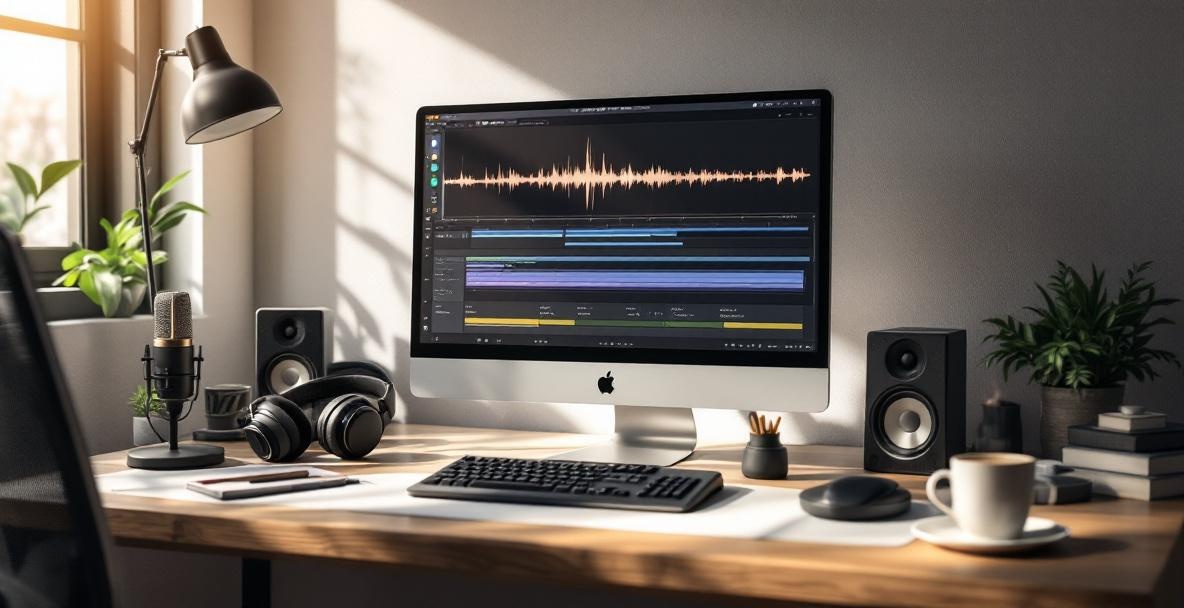
Once you have the basics down, a few advanced techniques can give your podcast an extra layer of polish. These methods add creative touches that enhance rather than distract from your content. Experimenting with these ideas can help your show stand out even in a crowded market.
Adding Music and Sound Effects
The right music can frame your podcast, set the mood, and even help with pacing. Many podcasters use music in the opening and closing sections, or as subtle transitions between topics. Choose tracks that blend well with your voice, and keep the same style from episode to episode to build a consistent podcast identity.
Sound effects can also add depth to your storytelling. Little touches, like a soft sound to indicate a change of idea or distant background noise for setting, can make your show feel more immersive. However, use these effects sparingly so that they support your story rather than steal the spotlight.
Be sure to handle music licensing with care. Using royalty-free music from services like Epidemic Sound or Artlist can save you from legal troubles, or commissioning custom music can give you a unique sound that reflects your personality and style.
Using Multitrack Editing for a Richer Sound
Editing on multiple tracks can turn a simple recording into a rich soundscape. This method lets you adjust voices, music, and sound effects separately, giving you precise control over each element. Most modern audio editing platforms support this kind of layered work.
Setting up different tracks for each speaker and sound element makes it easier to balance and tweak your episode. It allows you to make subtle changes without messing up the overall mix, ensuring that every piece of audio comes together harmoniously. A little bit of crossfading between tracks also helps create smooth transitions, so your show flows naturally from one segment to the next.
Problems and Fixes: Tackling Editing Challenges
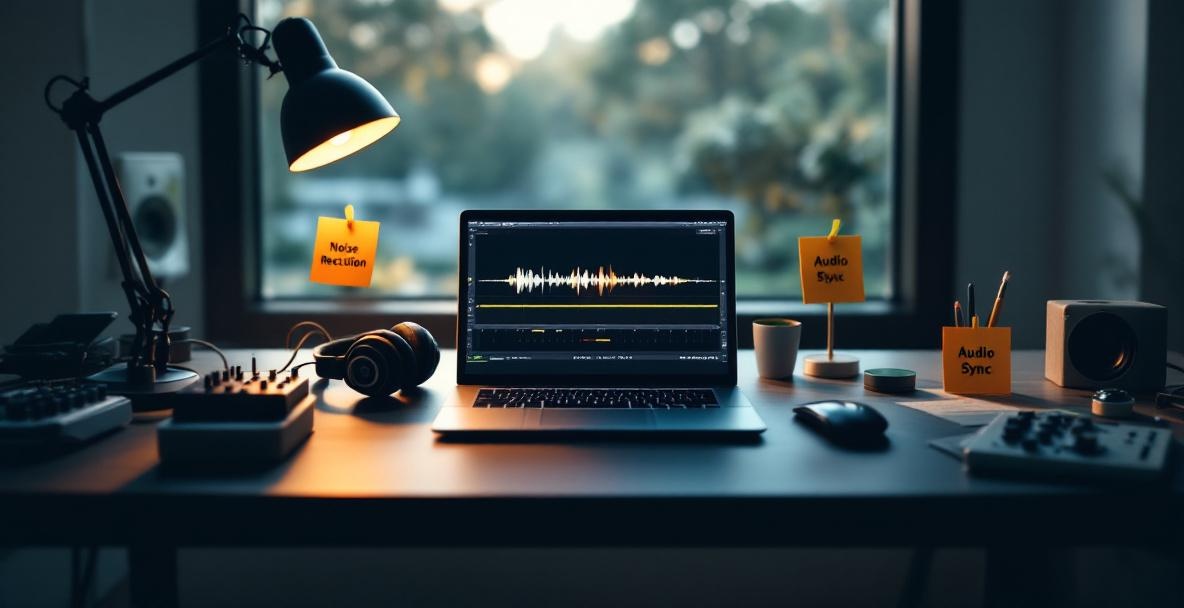
Even seasoned podcasters run into tricky issues that need creative fixes. Having a method for solving these problems can save you time and stress, and it helps keep your publishing schedule steady. A good strategy for troubleshooting can be the difference between a delayed episode and a smooth release.
Handling Audio Glitches
When recording over the internet, glitches like dropout artifacts may show up and break the flow of conversation. When possible, it is best to have your guest record on their own setup as a backup. If you must work with a glitchy file, try to rework the section or, if needed, explain the issue briefly to keep transparency with your listeners.
Harsh sounds from plosives can also create issues. High-pass filters applied carefully on problem areas help control these bursts without sacrificing the warmth of your voice. It is all about finding that sweet spot where the voice still sounds natural but any distractions are minimized.
Recordings made in different rooms can vary in tone. The Sunrise Studio's comprehensive guide on podcast editing techniques shows how equalization can help match these differences. By tweaking the frequency range to match a smoother recording, you let your content shine without being undermined by technical flaws.
Keeping Your Workflow On Track
A steady workflow is key to avoiding long delays in publishing your episodes. When you have a routine that works for every show, each editing session becomes more predictable and less stressful. Writing down a clear process for everything from cleanup to final export can save time and keep your sound quality consistent.
Many podcasters find that processing similar tasks together makes the work easier. For example, applying noise reduction across the whole episode first, then moving on to detailed editing, lets you maintain a consistent touch and saves time. This method can help keep your mind focused and reduce the back-and-forth that slows you down.
If you find yourself short on time, think about outsourcing some of the tasks. There are many services available that specialize in podcast editing. This option lets you concentrate on what you do best while still ensuring that every episode meets your high standards.
Wrapping Up: Your Path to Flawless Podcast Edits
Great editing is what turns a simple recording into an experience that keeps listeners coming back. When you focus on balancing clarity, consistency, and a natural sound, your podcast stands out in a crowded field. Fine-tuning your editing skills may take time, but the result is a show that truly reflects your passion and professionalism.
Remember to set up a routine that works for you and to keep experimenting. Your unique voice and style are what make your podcast special, and smart editing only serves to highlight that. Keep challenging yourself to learn new techniques and find the perfect balance between creativity and consistency.
Ready to take your podcast production to the next level? Visit Castee today to discover how our comprehensive podcast marketing solutions can help you grow your audience while maintaining focus on creating exceptional content. Our platform integrates seamlessly with your existing production workflow, providing the tools and insights you need to transform great episodes into a thriving podcast community.
Leave a Reply